New tools
Some of these cover the whole wallet. Open 🎯 Ruggers, then 🛠 Wallet tools, for Daily profit, Copy groups, and Defaults for new ruggers. The others sit on one rugger.
Sells keep running unless the tool is itself a sell.
Funding delay
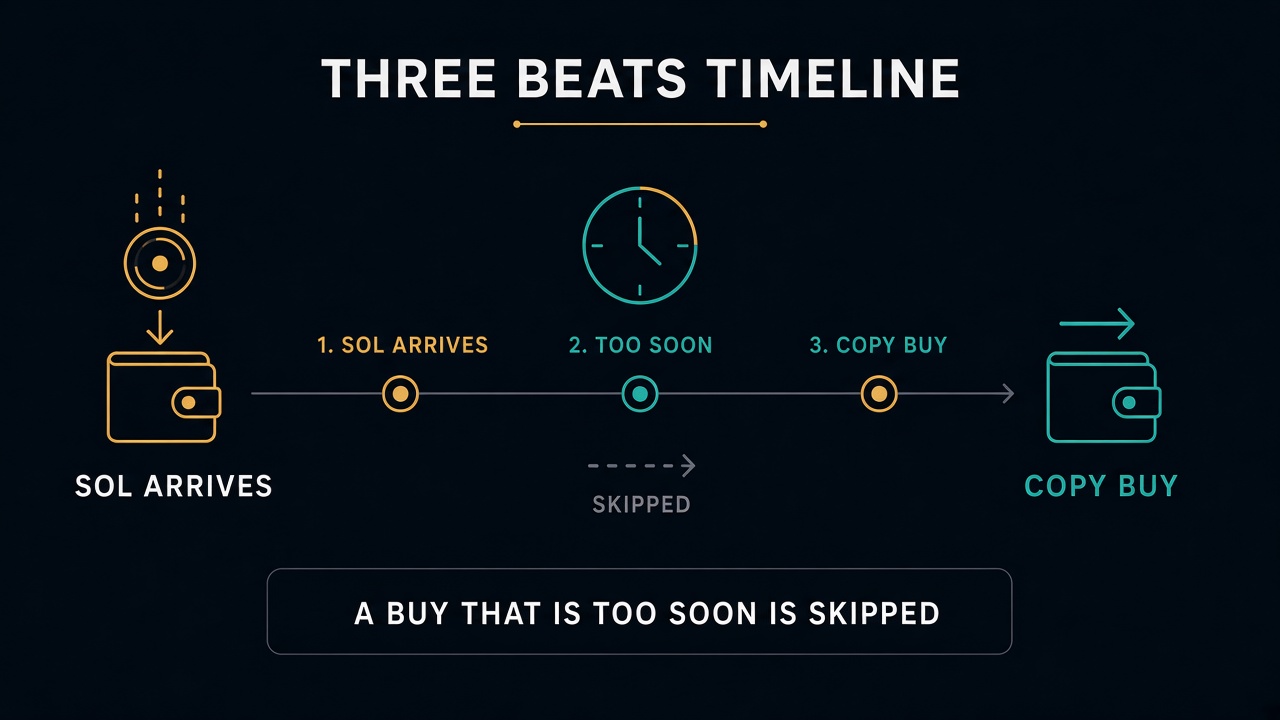
On 🛡️ Rugger Protection, tap ⏱️ Funding delay.
This is the minimum number of seconds after this wallet receives SOL before its next create or buy is copied. The copy is skipped. The address stays tracked. 0 is off. A fund and an action in the same transaction are always skipped while this is on.
If inheritance is off, ⚙️ Child Address Defaults has ⏱️ Child funding delay. New children use that number, not the mother’s.
Details: ⏱️ Funding delay.
Buy the dip
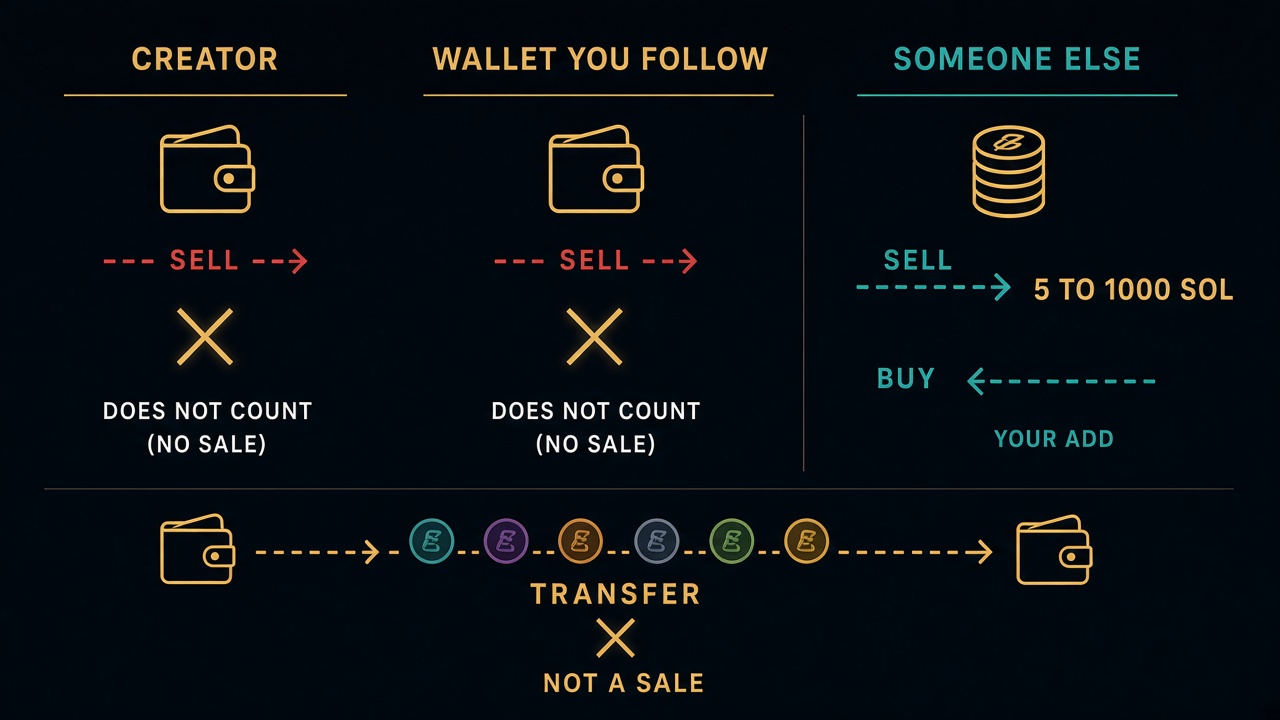
On the rugger, open 💰 Buy Config → Buy the Dip. Up to 3 levels. Each level fires once. Auto-buy has to be on. Buy Only Once blocks these extra buys.
| Kind | When it buys |
|---|---|
| 1 | Market cap falls that far from its high |
| 2 | Someone else sells inside a SOL range |
The creator and the wallet you follow never count as that sell. Moving tokens between wallets is not a sale. Sell ranges must not overlap.
Details: 📉 Buy the Dip.
Trade history
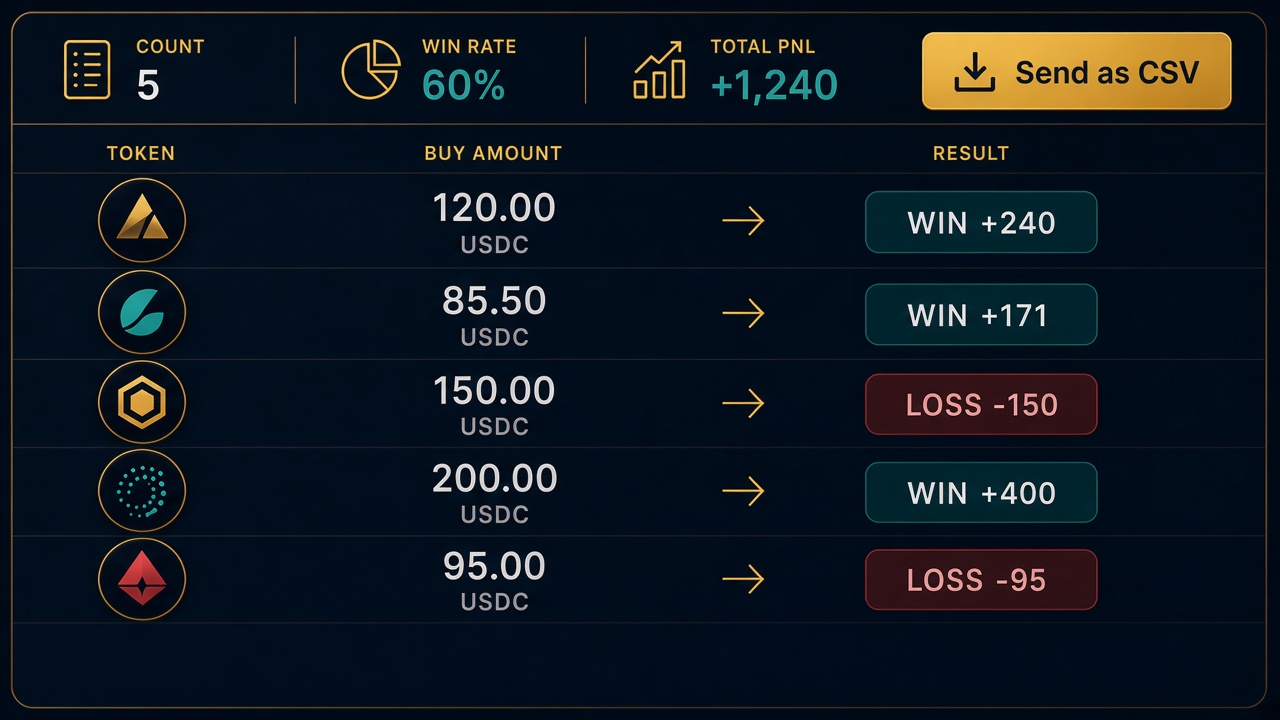
On a rugger, tap 📜 Trade history. The header is the count, the win rate, total PnL, and the average. Each row is one buy: token, time, entry market cap, size, PnL, and why it left.
Exit market cap is not stored. 📤 Send as CSV sends the same rows as a file. Removed wallets are included when the trade was stamped to this chain. Older trades show only if that wallet is still on the list.
Details: 📜 Trade history.
Auto-sell on a big buy
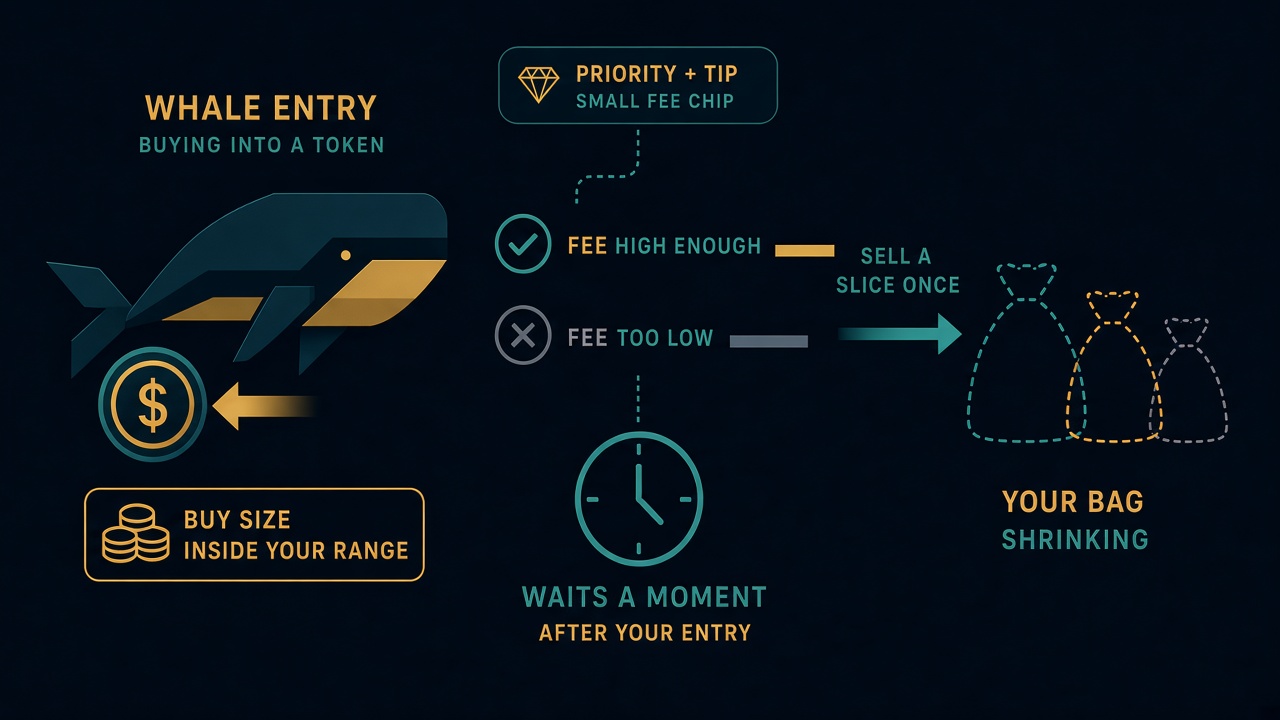
In Sell Config → Auto-Sell on Big Buy, up to 3 levels. A buy of this token inside the SOL range sells that percent of your bag, once. Ranges must not overlap.
A level can also require a minimum priority fee plus tip, in SOL. 0 turns that check off. This is not the base signature fee. If the fees cannot be measured, the level does not fire. The level starts about 2 seconds after your fill, so the bundle you entered with does not sell you out.
Details: 🐋 Auto-Sell on Big Buy.
Manage and Root
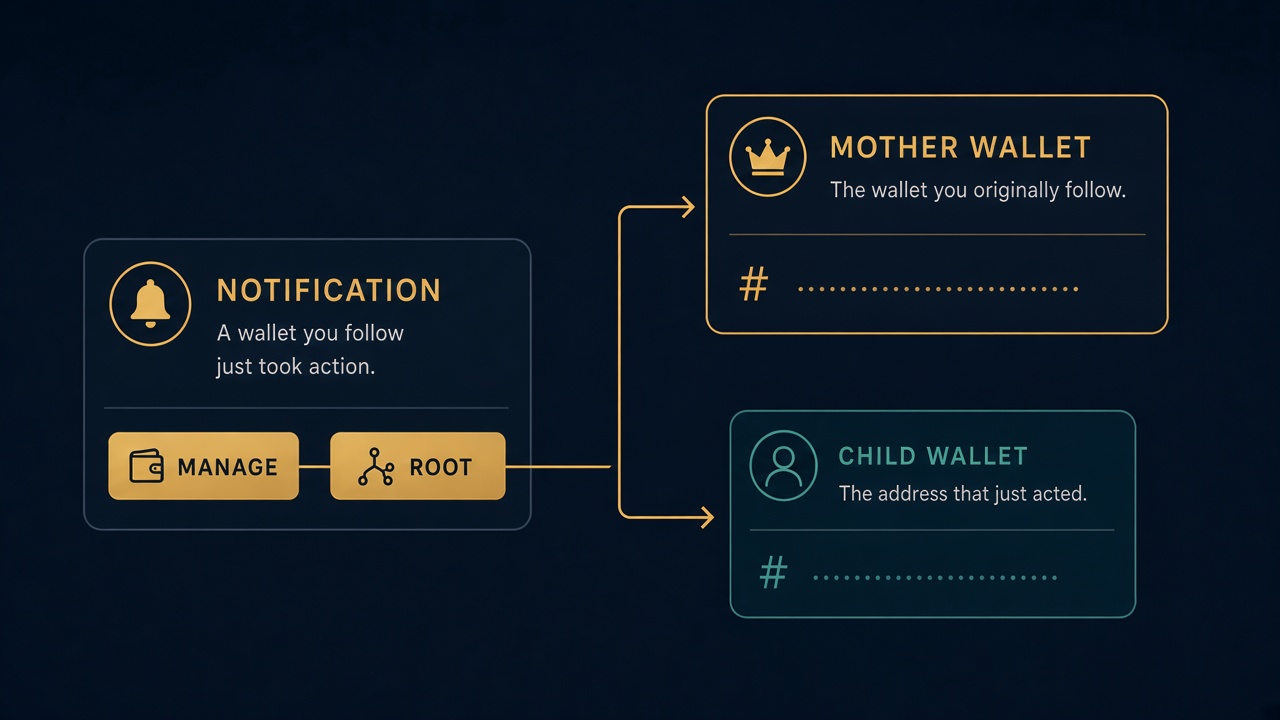
A buy alert can show two buttons.
- ⚙️ Manage opens the address that just acted, including a child that protection added.
- ⚙️ Root shows up when that address is not the one you pasted. It opens the mother. If the child was already removed, Root still opens the mother.
Details: Notifications.
Max token age
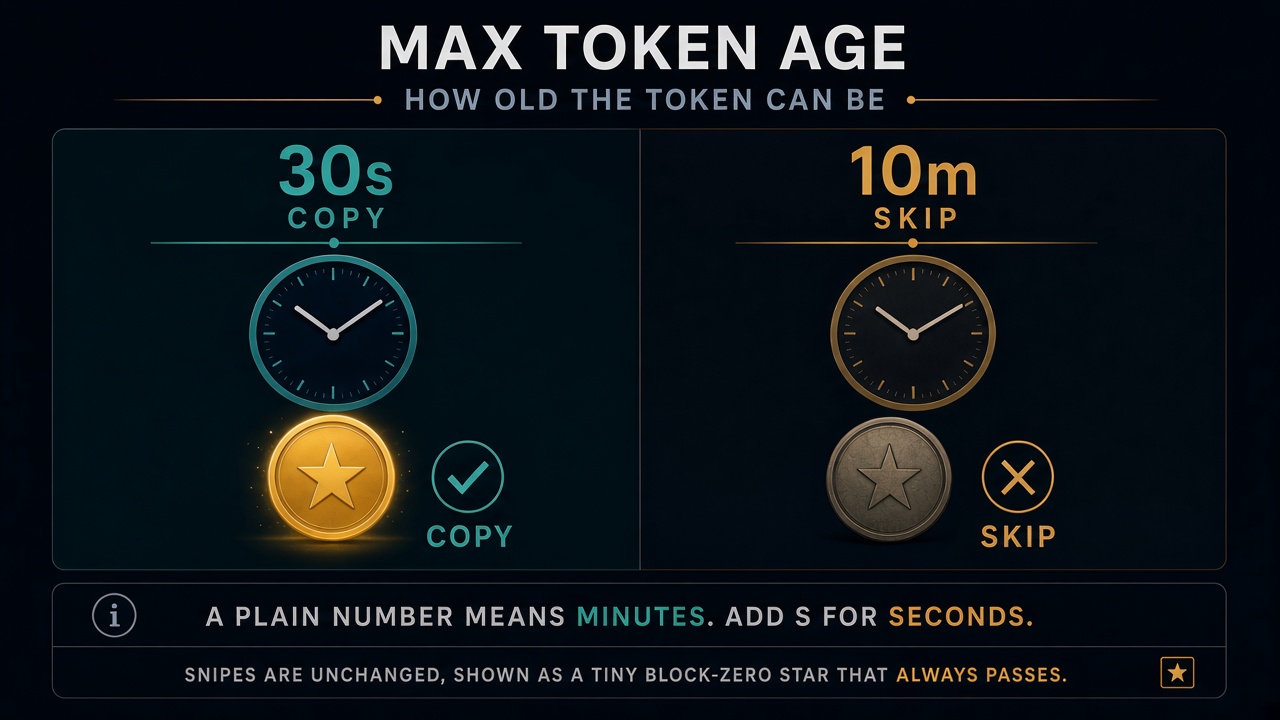
In 💰 Buy Config, Max Token Age skips a copy of a token that is already too old. A plain number, or 2m, is minutes. Seconds need an s: 30s. 0 or off turns it off. A snipe of a new token is not checked.
The same typing works on a copy group’s Max age.
Details: 💰 Buy Config.
Wallet tools
Daily profit
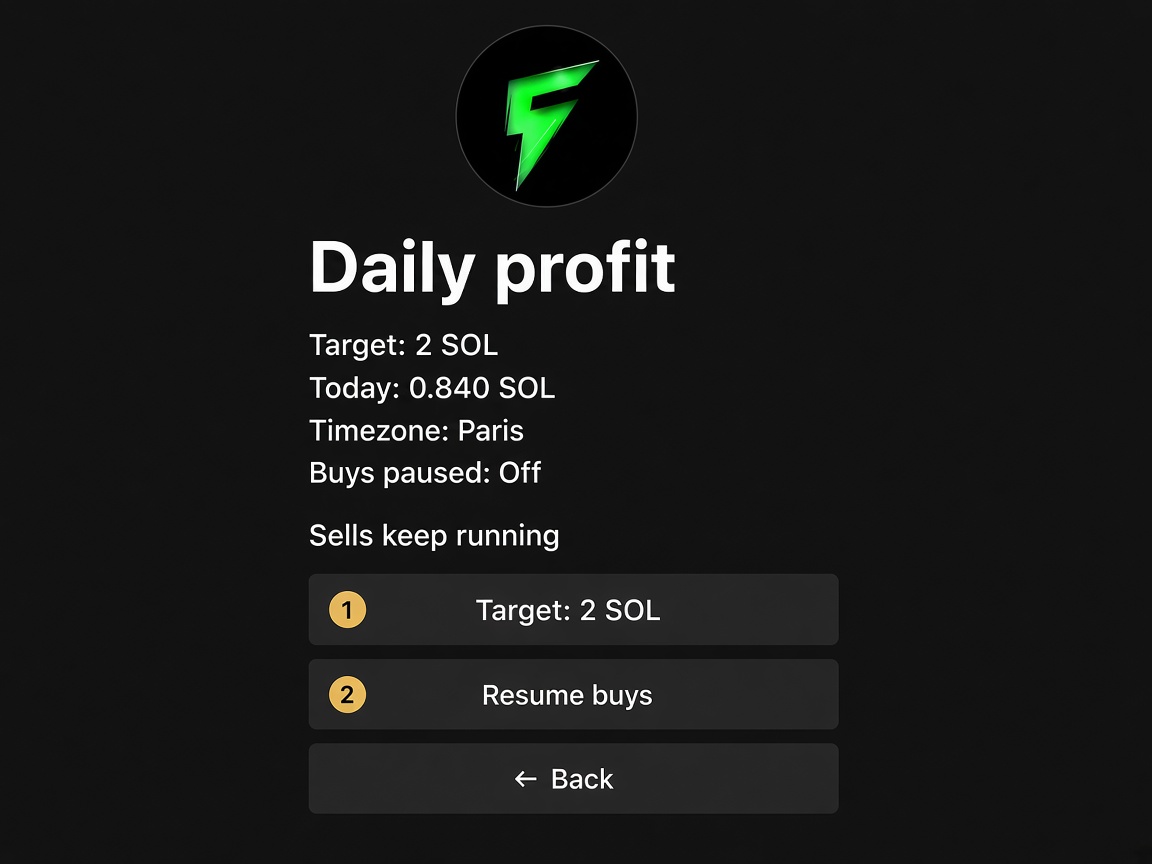
A cap on realized profit for the local day.
| Line | Meaning |
|---|---|
| Target | SOL you want booked today. 0 turns the cap off. |
| Today | Realized SOL so far. |
| Timezone | The clock from ⚙️ Settings → Timezone. One clock for every wallet. |
| Buys paused | On once today has reached the target. |
When the target is hit, new buys stop. Sells keep running. Resume buys turns buys back on until local midnight. At midnight the day resets on its own.
Copy groups
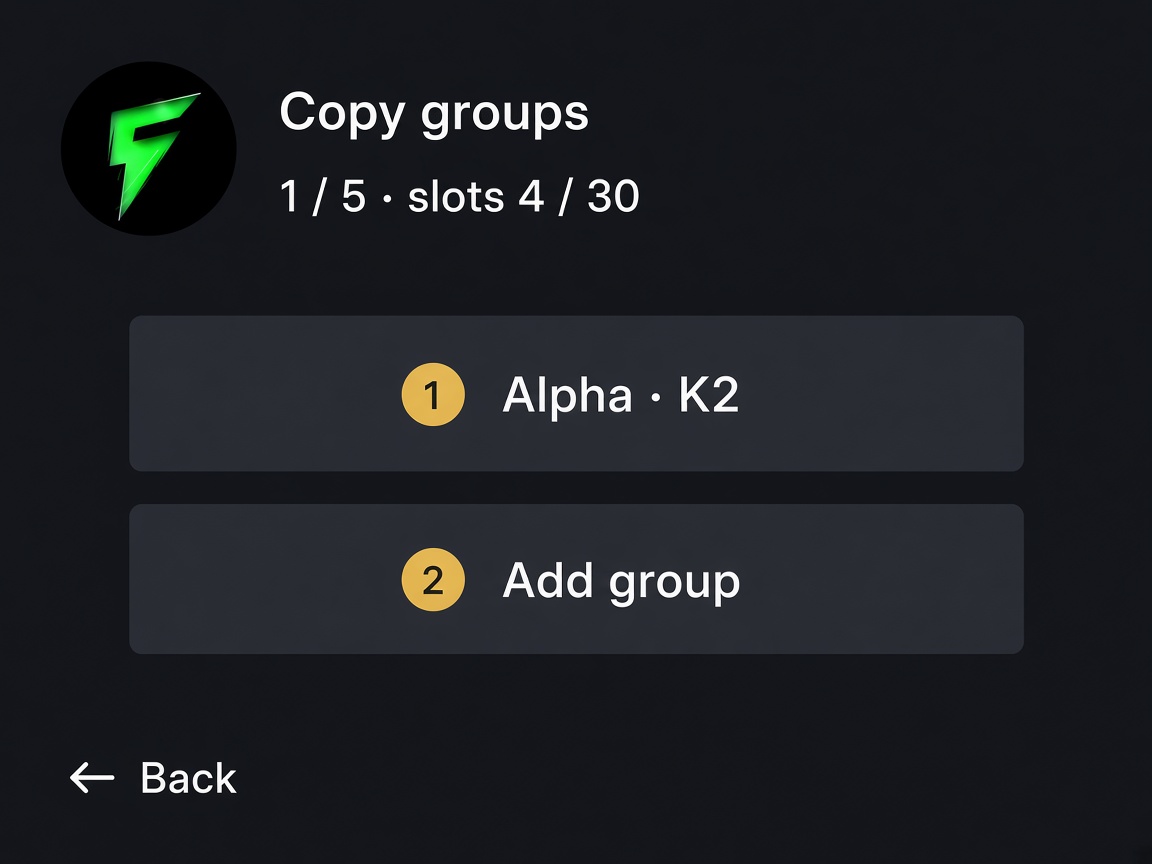
A copy group is one slot. You can have 5 groups, and the wallet still tops out at 30 slots (addresses plus groups).
Paste up to 100 wallets into a group. The bot buys once per token, when the K-th different member buys it. K = 1 is the first member. K = 2 waits for a second, different wallet in the group.
On the group you set:
- Amount — SOL per buy. 0 uses 0.001.
- Max MC — skip the token above this market cap. 0 is off.
- Max age — skip a token older than this. A plain number is minutes.
30sis seconds. 0 is off. - Take profit — a percent, or
percent:sell%. Example:30or30:50.-clears it. - Trailing — drawdown, or
drawdown:activation MC. Example:15or15:50000. - No activity — minutes of silence before a sell. 0 clears it.
- Priority / bribe — SOL. 0 uses the wallet default.
Exits on a group run all day. Buy hours do not hold a sell.
Buy hours
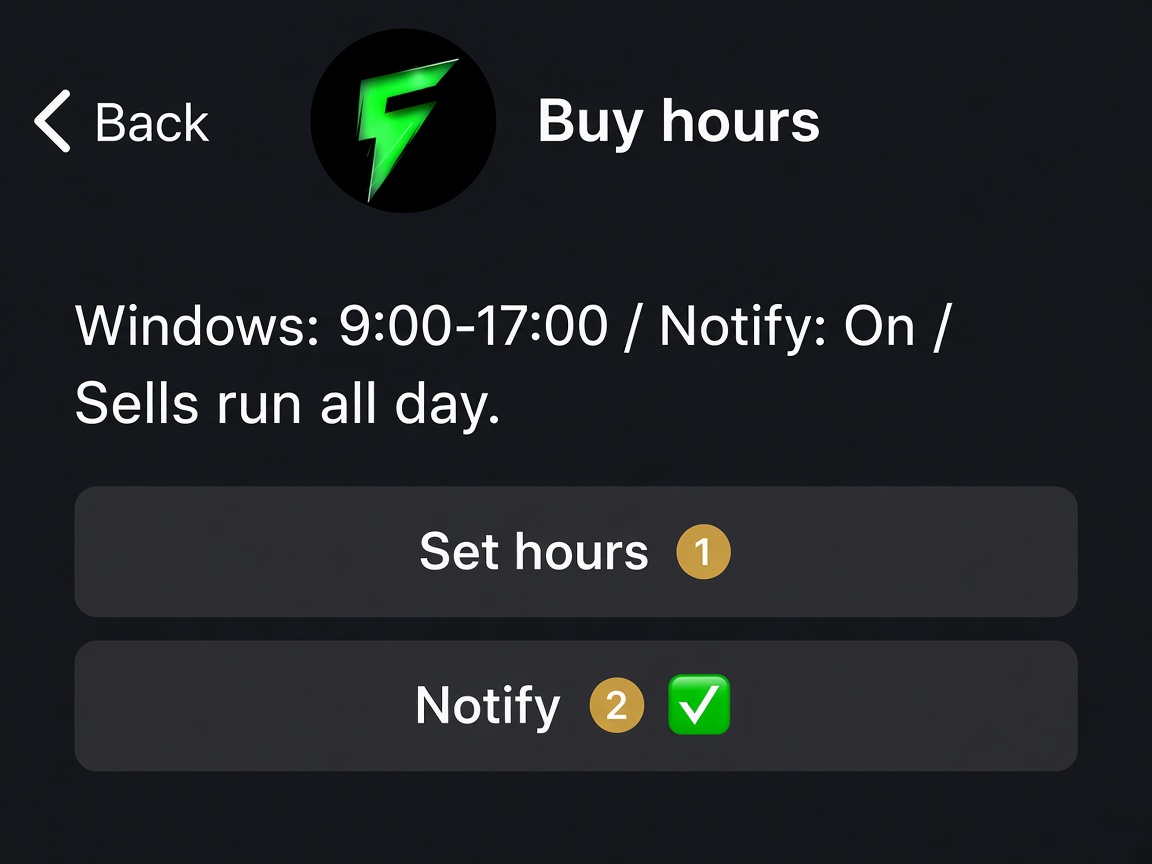
On a rugger, open 🧰 Tools & gas, then Hours.
Type local windows, like 9:00-17:00, 20:00-22:00. Type off to buy any time. Notify pings you when a buy is skipped because you are outside the window.
These windows do not schedule sells. Sells run all day.
Dev funding
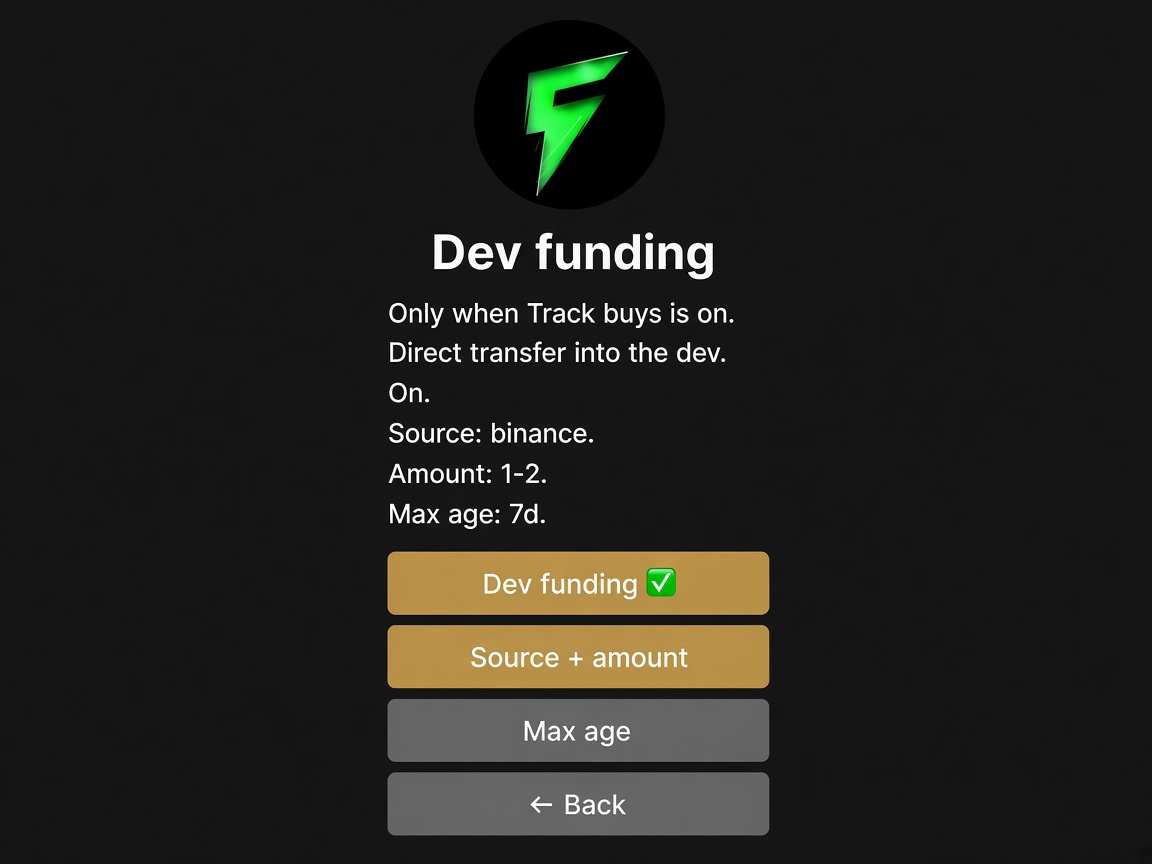
On a rugger, open 🎯 Buy settings, then Dev funding. It only applies when Track buys is on. The bot looks for a direct transfer into the dev.
Source + amount is an exchange or a wallet, then an optional size. binance 1-2 means a Binance transfer between 1 and 2 SOL. any matches every funder.
Max age is how old that transfer can be, in seconds. 0 means 7 days.
Defaults
Defaults for new ruggers is on 🛠 Wallet tools. Whatever you set here is copied onto the next address you add. Ruggers you already have stay as they are.
- Buy size — SOL. 0 keeps 0.001.
- Take profit — same shape as a group:
30or30:50.-clears. - Trailing stop —
15or15:50000.-clears. - No activity — minutes. 0 clears.
Auto-evict
On 🛡️ Protection, Auto-evict drops old followed wallets that have no open position. The mother you are watching stays. It only cleans hops you are no longer in.