Protection Modes
The mode determines how the bot detects wallet changes. Only one mode can be active at a time.
📤 Last Transfer (default)
The bot monitors whether the wallet sends all of its SOL to a new address.
How it works:
- Your rugger (Wallet A) has 2.5 SOL
- Wallet A sends 2.5 SOL → Wallet B (the wallet is emptied)
- The bot detects that Wallet A is now empty
- The bot removes Wallet A and adds Wallet B
This is the most common pattern : the dev empties their current wallet to use a new one.
📊 Exchange Pattern
The bot monitors transfers matching specific amounts defined in your Transfer Ranges.
How it works:
- You have configured a Transfer Range: 1.48 — 1.50 SOL
- Your rugger (Mother Wallet) sends 1.49 SOL → Wallet C
- The amount is within your range → Wallet C added to monitoring
This mode is designed for “mother” patterns : a central wallet that funds several child wallets with fixed amounts.
⚠️ This mode requires Transfer Ranges configured to work.
🔀 Hybrid
Hybrid turns both detectors on at once. It does not mean one transfer has to satisfy both. A follow happens if the amount is inside a Transfer Range or the wallet is emptied.
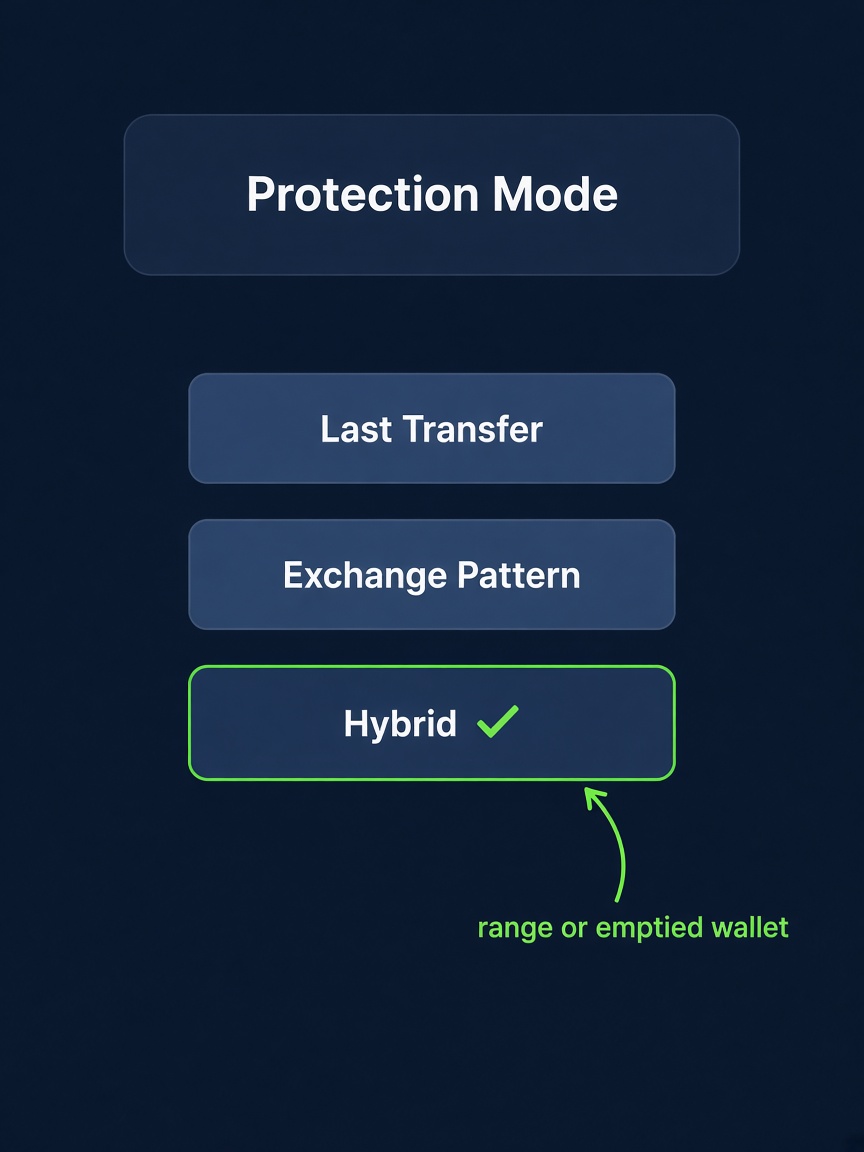
Last Transfer only follows the wallet that got emptied into. Exchange Pattern only follows a transfer inside your ranges. A dev who does both in the same move used to force you to pick one. Hybrid follows both.
Example. The mother wallet sends 1.5 SOL (inside your range) to wallet C, and in the same cycle empties the rest into wallet D. Hybrid can add two children: C from the range, and D from the sweep. Last Transfer would only add D. Exchange Pattern would only add C.
The range half still needs Transfer Ranges. If you leave the ranges empty, Hybrid only does the empty-wallet sweep. It does not invent a range.
Open it from 🛡️ Rugger Protection → Mode → Hybrid.
Which mode should you choose?
| Rugger behavior | Recommended mode |
|---|---|
| The dev empties a wallet and moves on to the next one | 📤 Last Transfer |
| The dev has a mother wallet that funds child wallets | 📊 Exchange Pattern |
| The dev does both: fixed funding and a full sweep | 🔀 Hybrid |
| You’re not sure | 📤 Last Transfer (most common) |